Bring your reading into your AI tools
You can now connect your AI tools to Muesli. Your agent reads your library, your sources and your notes. So what you read is there when you need it.
Connect
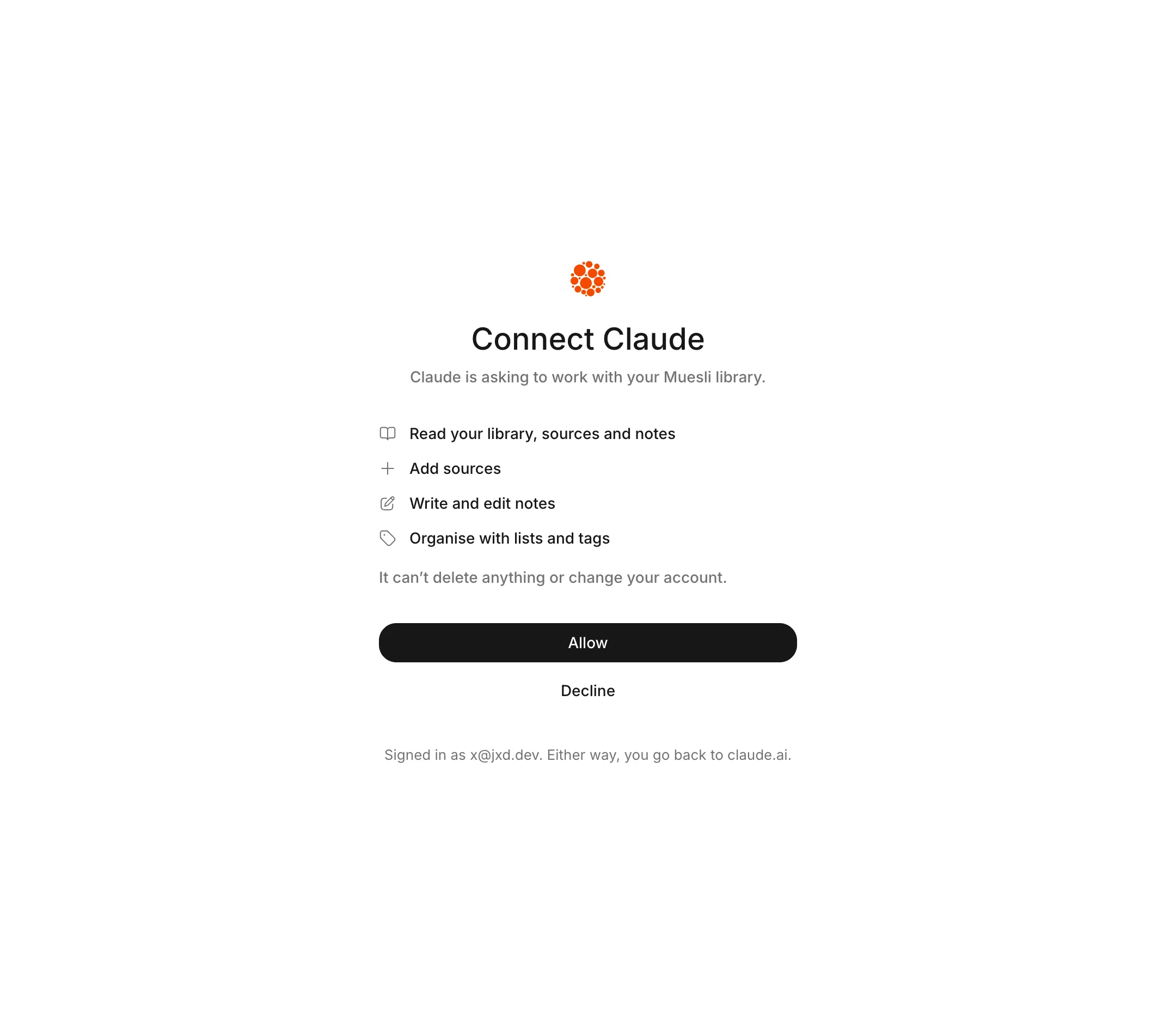
Give your tool this address: https://app.muesli.ing/mcp. Sign in to Muesli and choose Allow. There are no keys to copy. The docs have the steps for Claude, ChatGPT, Claude Code and Cursor.
Ask about your reading
Ask what you noted about focus, and your agent finds it across every book and article. Ask it to read an article in your queue and pull out the argument. It works from the text and your own notes, not a guess.
Add as you go
Your agent can add to your library too. Give it a link and it saves the article. Tell it a thought and it writes the note under the right paragraph. It can move a source to Done, or tag it.
It can’t delete anything or change your account.
Stay in control
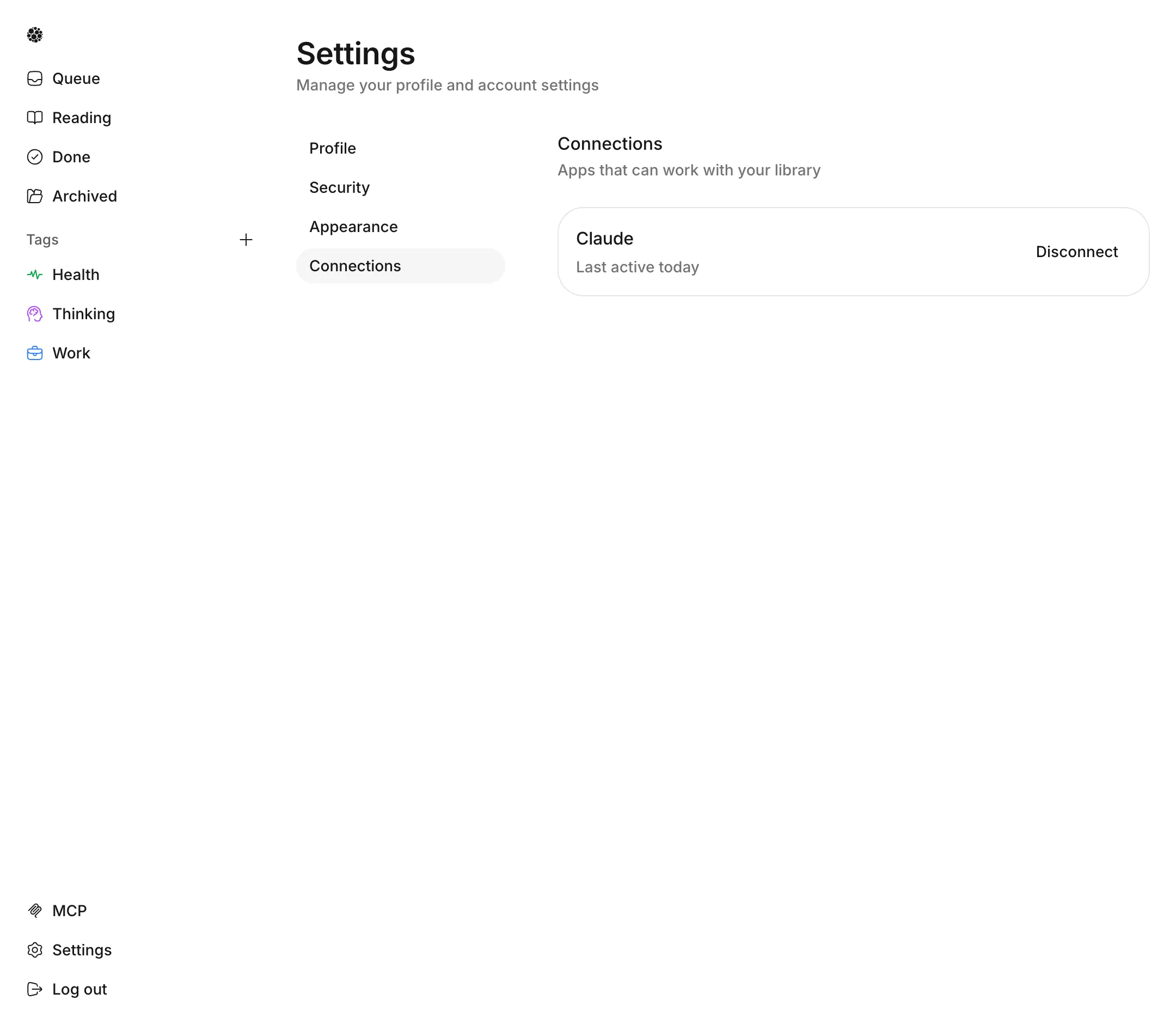
Open Settings, then Connections, to see each tool you’ve connected. Disconnect one and it loses access at once.